📱 Touch play
Drain the Lake mobile tips — hold to fill, upgrade order, shoreline drain
Mobile-first Drain the Lake tips: hold the screen on water to fill, cheap Token upgrades first, shoreline drain when sharks spawn.
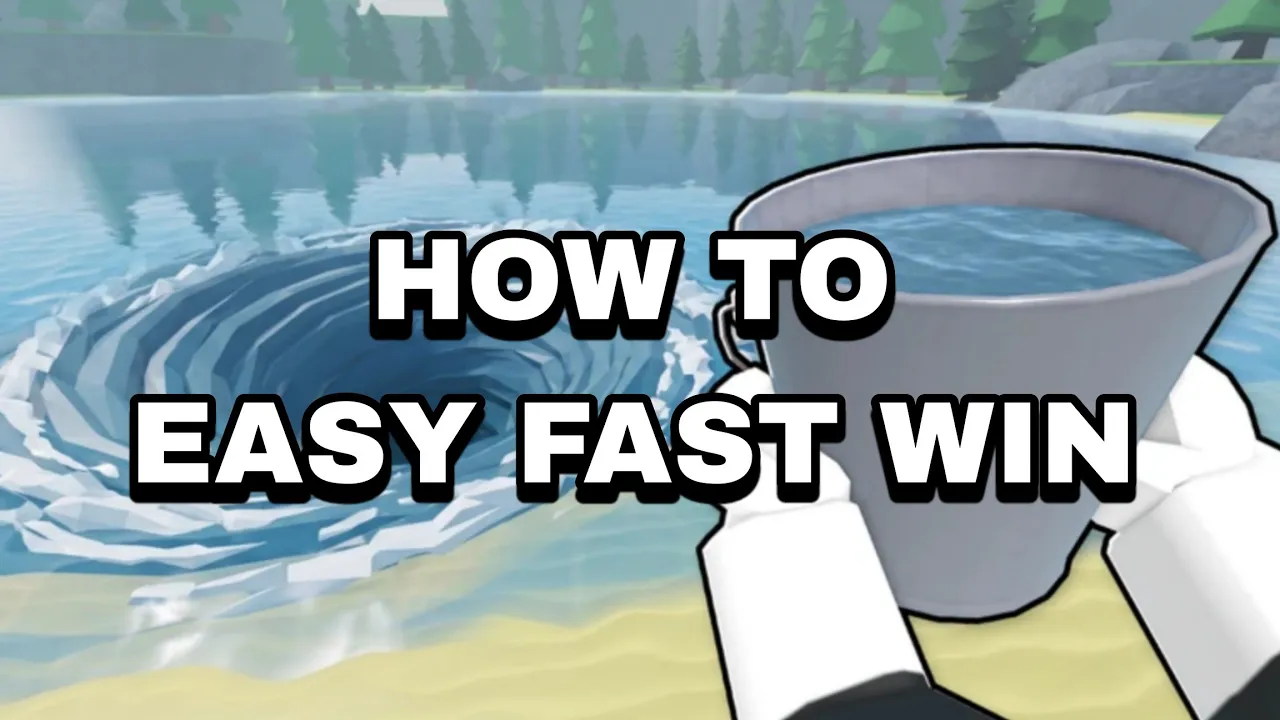
Drain the Lake mobile guide for Roblox — touch inputs that match the PC loop.
📱 Touch play
Mobile-first Drain the Lake tips: hold the screen on water to fill, cheap Token upgrades first, shoreline drain when sharks spawn.
Drain the Lake runs on Roblox mobile, tablet, and phone builds with the same fill-drain loop as PC — only inputs change.
This Drain the Lake mobile guide covers touch-hold filling, on-screen teleport buttons, camera habits, and upgrade order tuned for smaller screens in Drain the Lake Roblox.
Mobile sessions feel longer without the PC F teleport shortcut, so Character movement and cheap Bucket nodes matter more early. See controls for the full cross-platform table.
Install from the official game link and confirm creator IWTM10GTMPLS before following touch tips meant for other lake games.
Start with the beginner guide if you have not earned your first Tokens yet — this page assumes you know the four-step loop.
Equip your bucket, aim at the lake with your thumb or second hand on the camera, and hold the screen on water to fill continuously in Drain the Lake.
Holding beats rapid tapping — water fills smoothly without finger fatigue during long Drain the Lake Roblox grind sessions.
The bucket only collects when touch aim targets the lake surface. If fill stops, your finger drifted onto land or UI chrome.
Use shoreline fill: stand on safe ground, angle camera down at water, hold to fill. Bucket range reaches beyond your avatar — same trick as PC cursor aim.
If fill feels broken, read stuck fixes before reinstalling — most mobile reports are aim placement, not device bugs.
| Action | Mobile input | Tip |
|---|---|---|
| Fill bucket | Touch-hold on water | Hold, do not spam tap |
| Move | Floating joystick | Keep thumb on joystick side |
| Camera | Drag on empty screen | Lock angle before fill |
| Equip bucket | Hotbar tap | Confirm bucket icon active |
The floating joystick moves your avatar. Because Drain the Lake lacks a dedicated sprint button, Character speed upgrades on the skill tree are your only walk-speed boost.
Lock camera angle before filling — spinning view while holding fill often moves aim off water and stalls the bucket.
Walk paths between lake and drain feel longer on mobile without F teleport. Budget extra seconds per loop when comparing to PC players in the same server.
Second checkpoint zones shrink effective walk distance — grab flag masts when visible so deaths do not erase mobile grind time.
Playing with friends in a 12-player server can split visual lake progress; controls stay personal per avatar.
When the bucket is full, jog to the drain station and tap the interact prompt to pour. Tokens appear on screen like PC.
Look for the teleport button near the lake on mobile — it replaces PC F for snapping to the drain when unlocked in Drain the Lake.
Open the Upgrade Computer with the interact prompt near spawn. Tap nodes to spend Tokens — same branches as the skill tree guide.
Close the upgrade UI before the next fill trip. Half-open menus block touch aim on water in Drain the Lake Roblox.
Spend Tokens immediately on bottlenecks — mobile loops already run slower per minute; hoarding hurts more on phone. See token planning.
| Step | Mobile control | PC equivalent |
|---|---|---|
| Lake → drain fast | On-screen teleport | F key |
| Pour water | Interact tap | E / click interact |
| Buy upgrades | Tap skill tree nodes | Mouse click nodes |
| Open chest | Interact tap | Same interact prompt |
Fast mobile clears prioritize cheap Reward (Token income) and Bucket nodes before expensive leaves — same order verified in beginner progression guides for Drain the Lake.
Buy inexpensive tiers first; skip pricey nodes until income snowballs. Two cheap upgrades beat one costly leaf on phone grind sessions.
Character movement helps early when teleport cooldown or button placement slows you down. Re-evaluate after deep water shrinks the map — movement ROI drops like on PC.
Max affordable Bucket and Reward before Quick Drain. Pour speed only matters once buckets arrive full each trip.
Cross-check best upgrades for phase labels — mobile uses identical branch tiers, only input friction differs.
| Phase | Branch | Tier |
|---|---|---|
| First drains | Reward + cheap Bucket | S |
| If walks hurt | Character movement | S |
| Mid run | Quick Drain | A |
| Deep push | Depth gates + checkpoints | B |
Sharks spawn in deeper Drain the Lake layers. Drain from the shoreline — hold fill while standing on land with camera aimed at water.
Mid-lake standing invites shark attacks that reset Token progress. Shoreline controls use the same touch-hold input with less risk.
Activate checkpoints (flag masts) before pushing depth. Mobile deaths cost more real-world time without fast keyboard recovery.
When the lake shrinks, delay stacking Character upgrades — you fill near the remaining pool instead of crossing an empty map.
Read the depth guide for checkpoint order and badge Gem payouts tied to each layer.
Lower Roblox graphics quality in settings if fill animations stutter — Drain the Lake is CPU-friendly, but old phones struggle with full water effects.
Close background apps before long Drain the Lake Roblox sessions. Drain grinds run 14 min average per visit on trackers — battery drain is real.
Use Wi-Fi for first download and large lobby asset loads. Match gameplay tolerates moderate mobile data once assets cache.
If touch registers late, clean screen and disable third-party touch filters. Roblox needs direct capacitive input for hold-fill.
Rotate tablet to landscape if UI buttons clip — Roblox UI scale slider fixes most overlap without changing Drain the Lake mechanics.
Equip bucket, aim camera at water, hold finger on the lake surface until full. Hold beats tapping.
No — use the on-screen teleport button near the lake when unlocked. See controls for PC F details.
Same skill tree branches and tiers — only input friction changes. Prioritize cheap Bucket + Reward early.
Lower Roblox graphics, lock camera during fill, buy Character movement if walks dominate, and use shoreline fill in shark zones.
Matched by build plan, shared topics, and guide progression — not random related links.