
Tip 1Latest
Upgrade movement speed early to shorten each fill-drain loop.
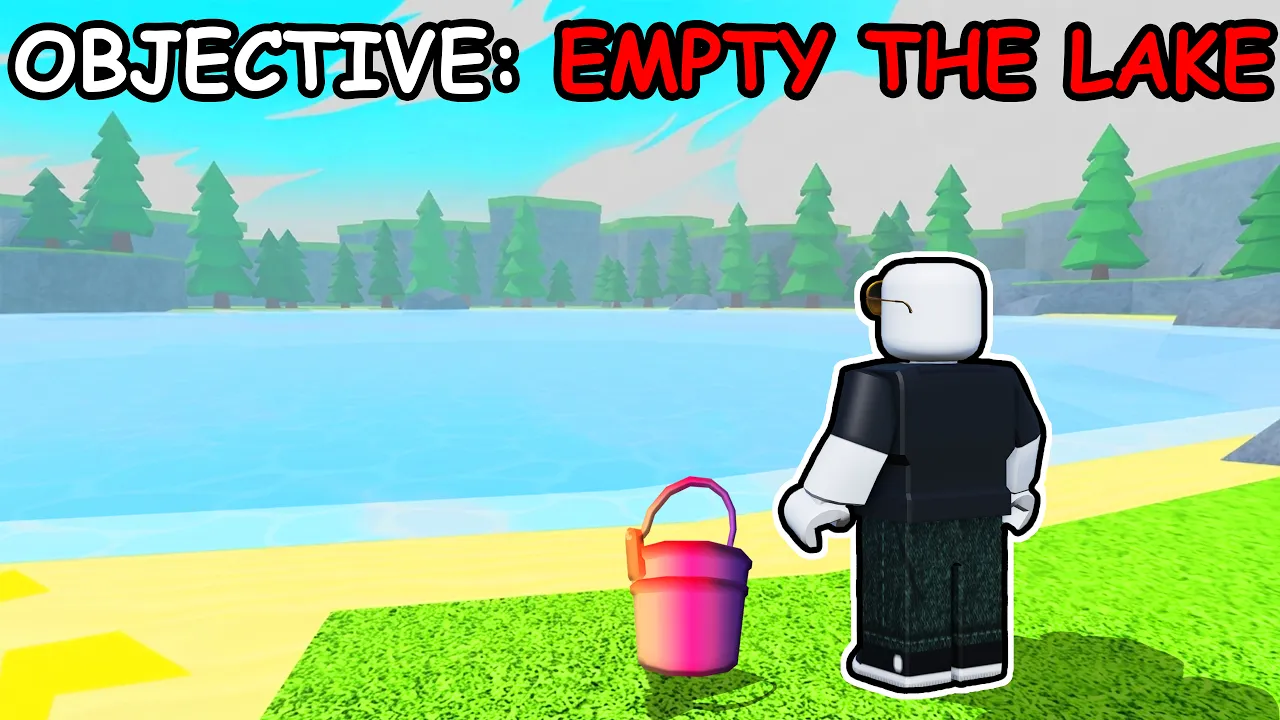
Drain the Lake Roblox guides — fill your bucket, drain for tokens, upgrade your skill tree, and find your phone.
Last updated: July 2026
Free on Roblox
See the verified loop: fill your bucket at the lake, drain for Tokens, spend at the Upgrade Computer, and push deeper each run.
Four steps from first login to a stronger build — follow the path most new Drain the Lake Roblox players use.
High-intent Drain the Lake pages — upgrades, tiers, and the phone quest.
Search Drain the Lake wiki sections, codes, and guides.
Code status as of July 7, 2026. Full tracker on the codes page.
No active codes — the game has no Codes menu in early beta yet.
Last checked: July 7, 2026
Core Drain the Lake Roblox walkthroughs.
 Start
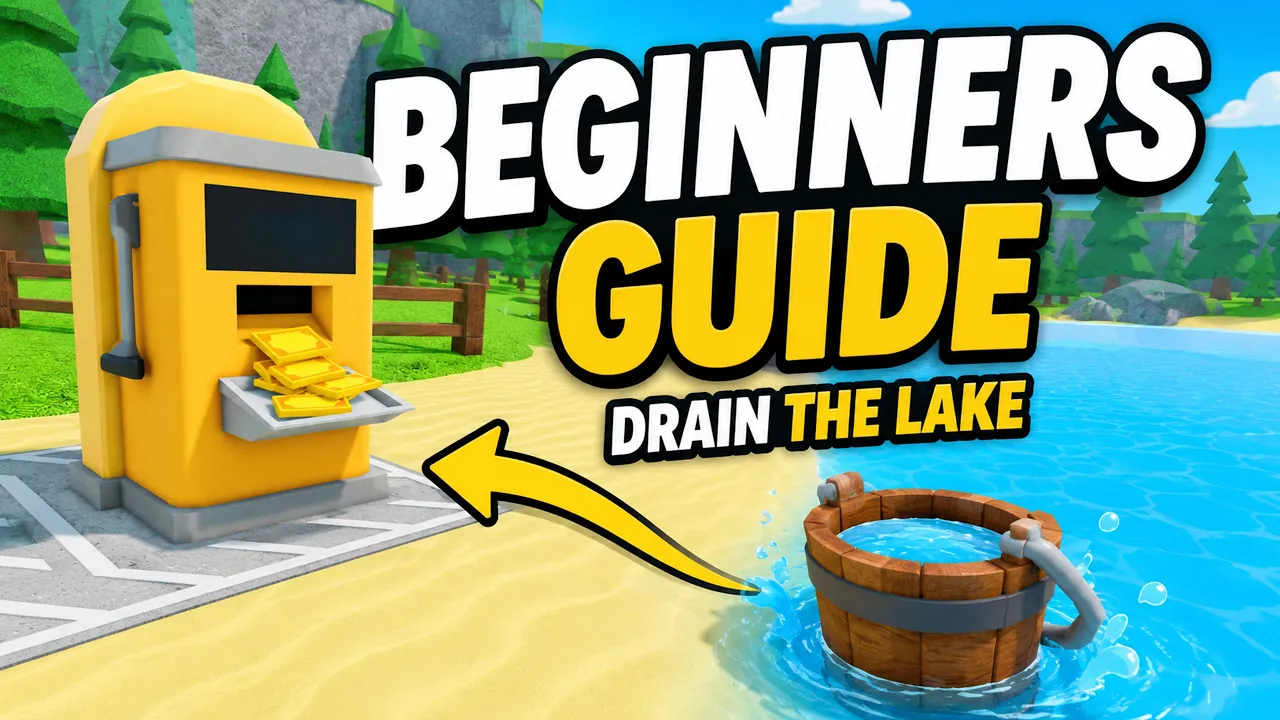
StartHow to play Drain the Lake Roblox — fill, drain, tokens, and first upgrades.
Read guide →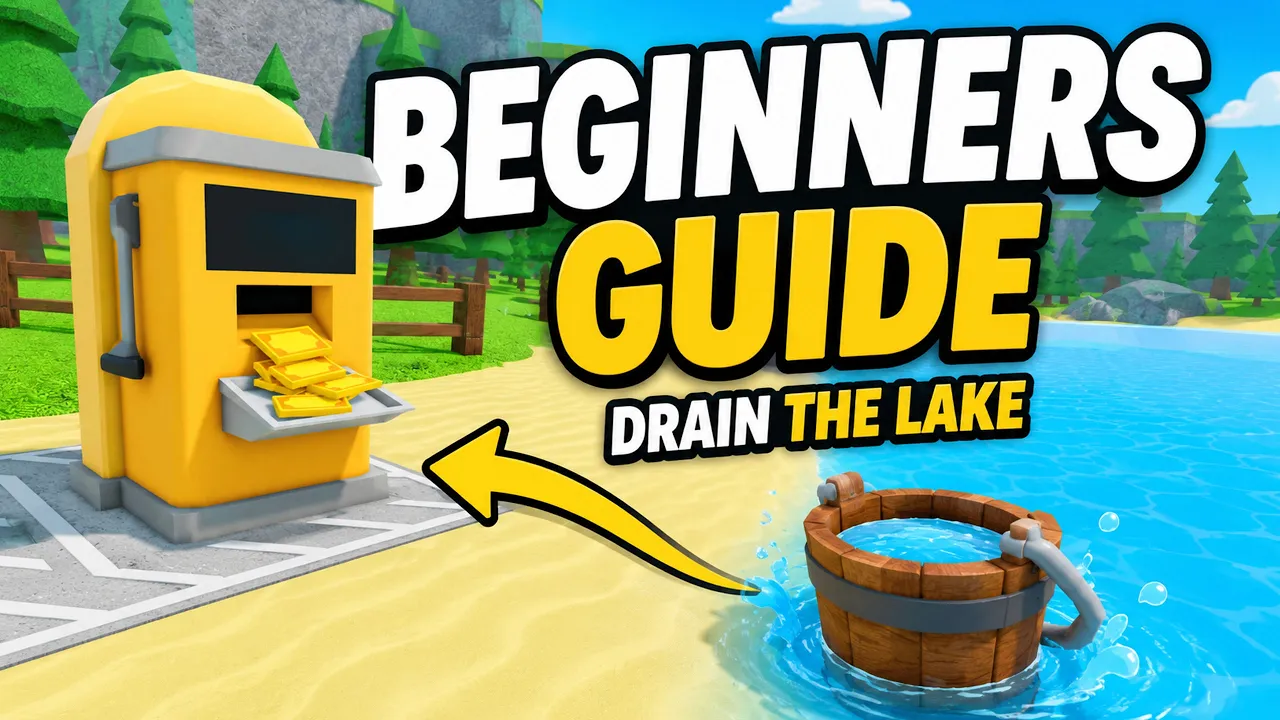
Four-step fill-drain loop and bottleneck fixes.
Read guide →
Token spend order for faster progression.
Read guide →Starter guide · Codes · Wiki · Guides
Jump to the beginner guide, wiki database, guides hub, and unlock checklist for Drain the Lake Roblox.

Promo status and Gem alternatives for Drain the Lake Roblox.

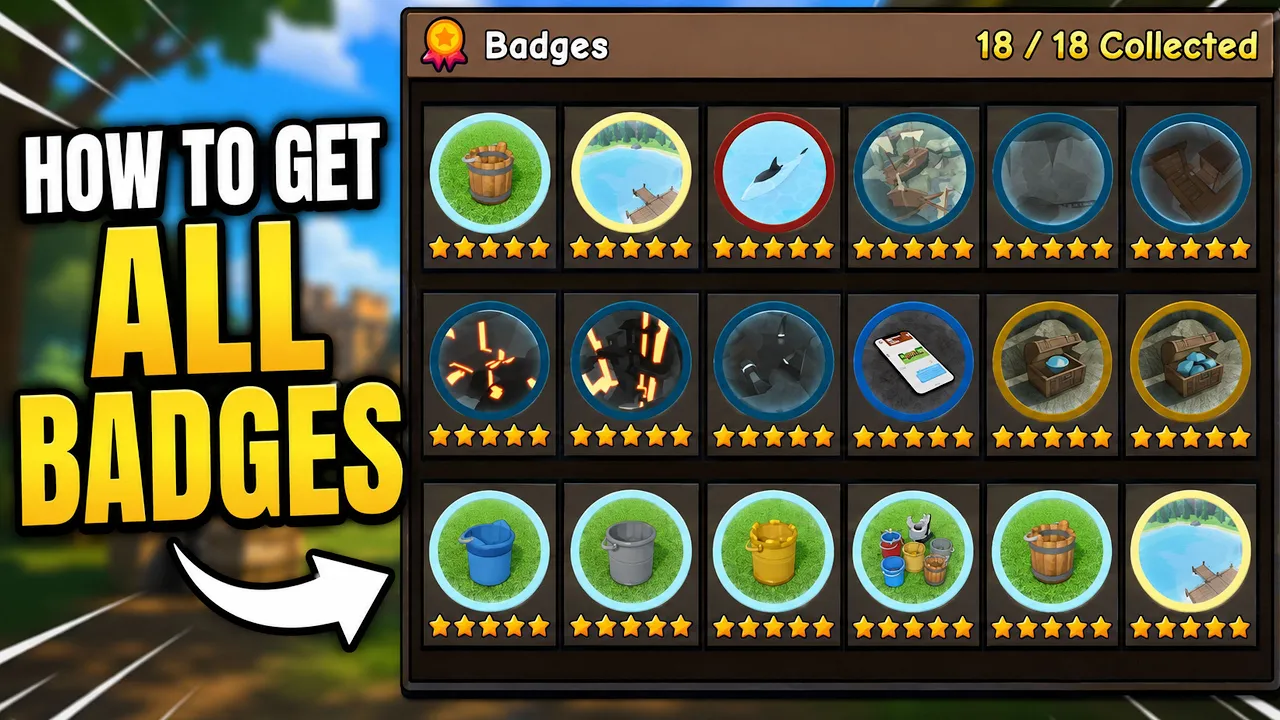
Drain the Lake wiki — buckets, skill tree, badges, checkpoints, and Tokens.
How to play Drain the Lake Roblox — fill, drain, tokens, and first upgrades.
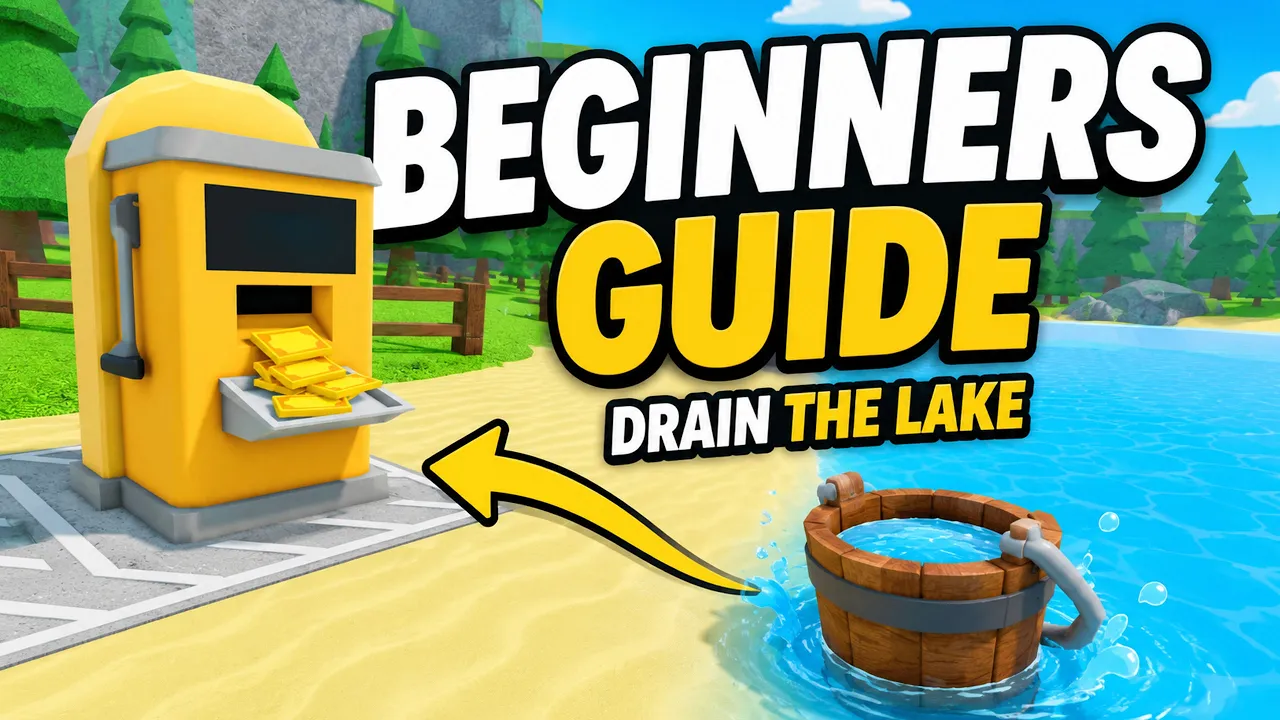
All Drain the Lake walkthroughs for Roblox players.
Track Drain the Lake bucket and badge milestones locally.
Scoop lake water, carry to the drain station, earn Tokens each run.
Spend at the Upgrade Computer — resets each run, so buy every trip.
Character, bucket, and reward branches that stick between runs.
Unlock deeper layers and recover your phone at the lake bottom.
Drain the Lake database — buckets, skill tree, badges, and checkpoints.
Drain the Lake is a Roblox incremental simulator by **IWTM10GTMPLS**. Fill your bucket, drain it for tokens, upgrade your Skill Tree, go deeper, and find your phone.
The core loop is bucket → water → drain → Tokens → skill tree → deeper lake → find your phone. Gems from chests and badges unlock permanent buckets.
Drain the Lake Wiki is an unofficial fan reference for Drain the Lake Roblox. We document verified mechanics from the official Roblox page and community guides.
First session checklist for new Drain the Lake Roblox players.
Launch Drain the Lake and press Play.
Fill your bucket at the lake, drain at the station, and spend Tokens at the Upgrade Computer near spawn.
Character branch speed shortens each trip — see the best upgrades page.
Use the checklist for badges, buckets, and depth checkpoints.
Drain the Lake Roblox pairs active bucket runs with permanent Gem buckets — drain faster, go deeper, recover your phone.
Suggested Drain the Lake path for new Roblox players.
| Day | Goal |
|---|---|
| SRun 1 | Learn fill → drain → spend Tokens |
| AAfter run | Buy movement speed on Character branch |
| AMid game | Save Gems for Metal Bucket tiers |
| BLate game | Push depth and recover your phone |
Interactive helpers for Drain the Lake Roblox players.
Verified Drain the Lake loop tips (July 2026).
Upgrade movement speed early to shorten each fill-drain loop.
Spend Tokens at the Upgrade Computer near spawn.
Claim Gem rewards at the Badges station in the lobby.
Buy new buckets with Gems for passive bonuses.
Stabilize your loop before pushing into deeper water.
Drain the Lake is an incremental simulator where you scoop lake water into a bucket, drain it for tokens, upgrade a skill tree, go deeper, and find your phone.
As of July 7, 2026, we have not verified active promo codes. See the codes page for status updates.
Start with the beginner guide, then read the drain cycle and best upgrades pages.
Drain deep enough to reach late checkpoints and finish the phone ending — see the phone guide.
No. Drain the Lake is the bucket-draining simulator by IWTM10GTMPLS. The Red Lake is a different experience.
Open Drain the Lake on Roblox, learn the fill-drain loop, and track bucket unlocks in the checklist.